SOFTWARE

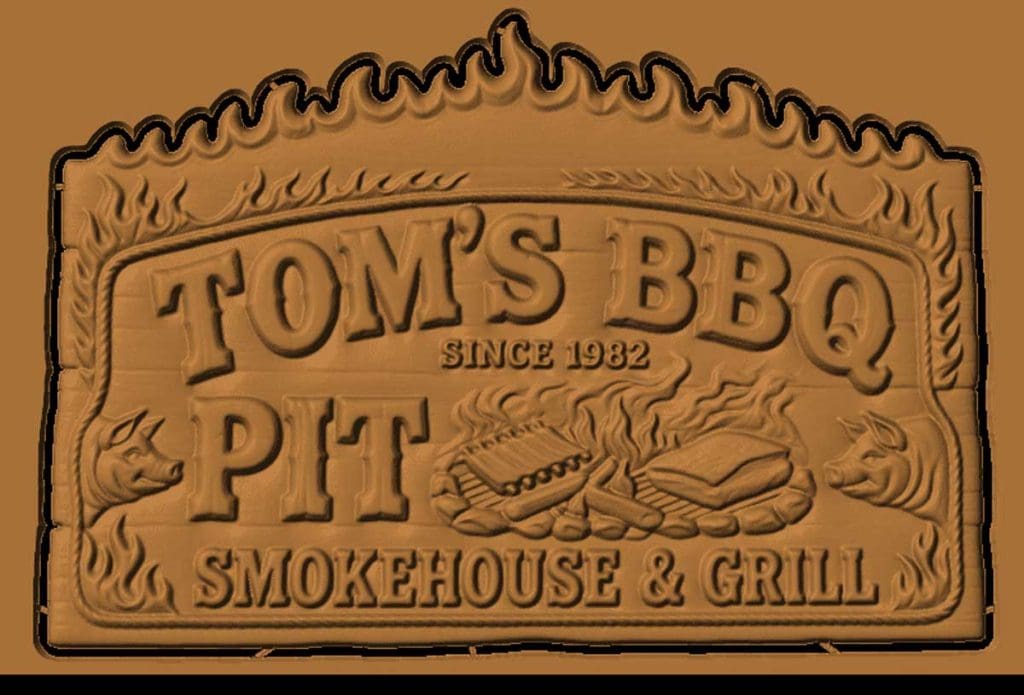
Toms BBQ sign CNC file
SOFTWARE

Tips and Tricks – Making Models with AI

Artificial intelligence has evolved rapidly in recent years—and it’s now a powerful tool for makers, designers, and CNC enthusiasts. Whether you’re creating custom carvings, signs, or decorative pieces, AI can dramatically speed up your workflow and unlock new creative possibilities. In this guide, you’ll learn how to use AI for CNC projects, from generating images […]

Edge Lit Carvings
Designer 5, RAVEN

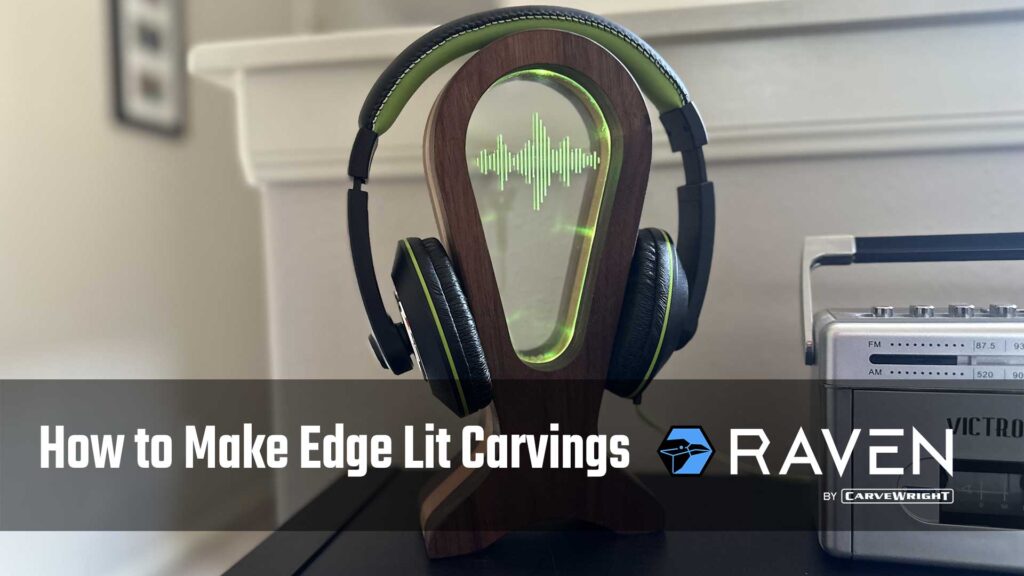
Tips and Tricks – Making Edge Lit Carvings

You’ve probably seen those clear signs with glowing letters or designs—eye-catching, right? They’re easier to make than you might think! In this video, we’ll walk you through our process step-by-step so you can create your own stunning illuminated sign.

Designer 5, Modeling Suite, Sculptor

Pattern Modeling Tutorial – Making a Spoon

Modeling a spoon may seem simple, but it’s a great way to explore the power and versatility of Designer’s toolset. In the tutorial video below, we walk through the entire process step-by-step, demonstrating how a range of modeling tools come together to create a clean, functional design. Whether you’re new to Designer or looking to

License Activation

CarveWright Licensing

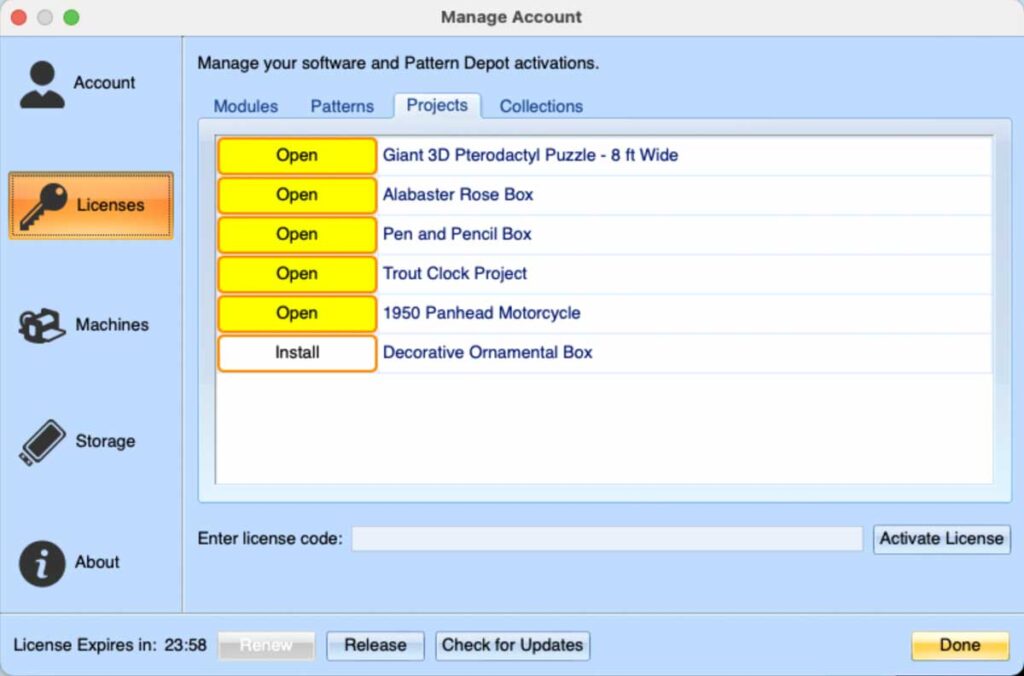
How Licensing Works CarveWright now uses a simplified, account-based licensing system for: This system ensures your licenses are securely tied to your CarveWright account and available across all installations of Designer you’re logged into. When You Purchase a Licensed Product After completing your order, a license code is automatically generated and sent to your email.

Designer 5

Designer – Draft

Draft sets an angle from the outer top edge of raised carvings out to the base of the carving. It is primarily used to reduce chip-out issues.

Scroll to Top