Sculptor – Bas Relief Tools
This tutorial covers the use of the bas relief tools in Sculptor.

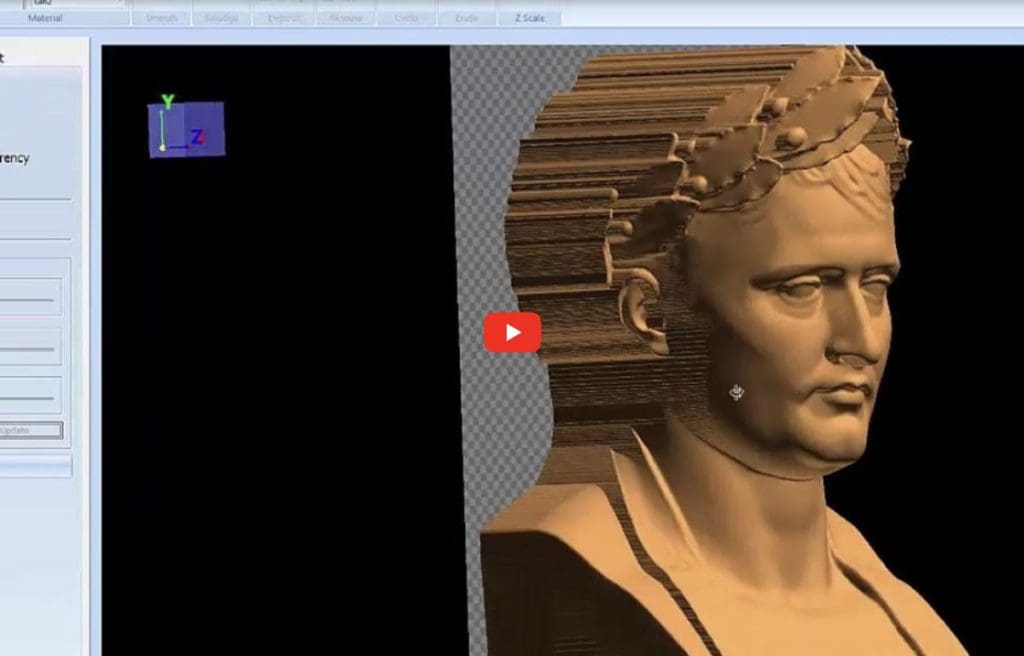
This tutorial covers the use of the bas relief tools in Sculptor.
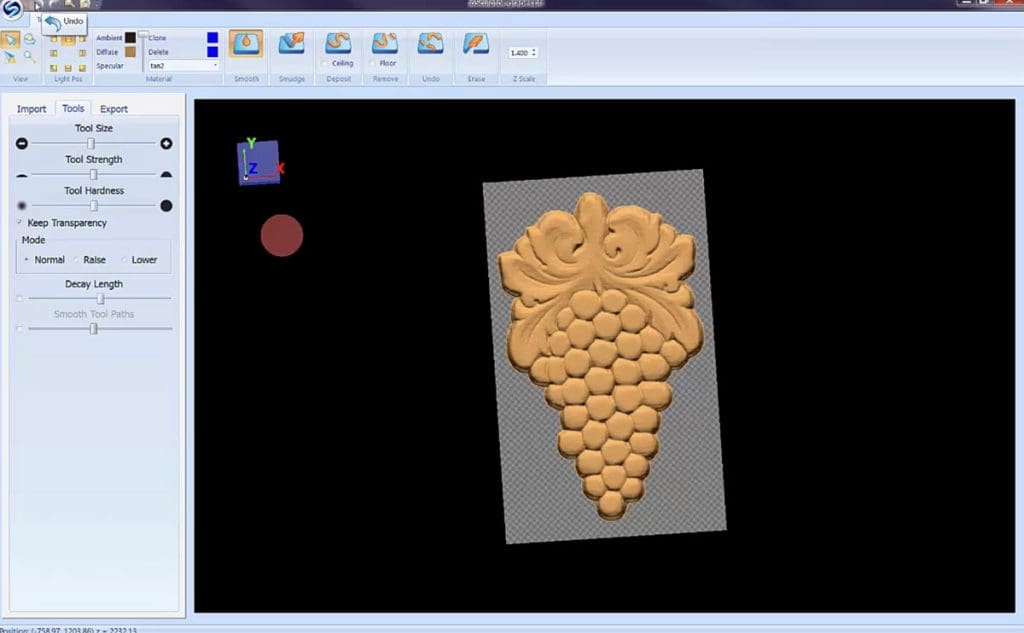
Sculptor is a sculpting and editing software tool for 3D relief carving patterns. Quickly and intuitively, smooth, smudge, and add or remove details to prepare patterns for carving.
Rounding A Board With the Rotary Jig Instructions on how to round irregular shaped stock into rounded stock for turning.
Learn the basics of the Designer Slicer Add-On Module using the included Venus bust model. This video covers scaling a 3D model, creating a slicing strategy, and saving completed slices to Designer’s Pattern Library—giving you the tools you need to start carving larger and more complex projects on your CarveWright CNC.
Take your 3D projects to the next level with two-sided carving using the Designer Slicer Add-On Module. In this video, we cover the complete process of slicing a 3D model for front and back carving, then laying out those slices in Designer for precise alignment and carving. This tutorial is ideal for users looking to
This video explores how the Vector Drawing Suite and 3D Pattern Modeling Suite work together to model patterns. This tutorial demonstrates the Sweep, Revolve, and Puffing tools from the 3D suite and the Smart Spline, Offset Path, and Copy Offset tools from the Vector suite
The CarveWright DXF Layout allows the import of vector line graphics in a DXF format. This video demonstrates how to use the importer to layout and tile large projects.
The CarveWright DXF Layout allows the import of vector line graphics in a DXF format. This video demonstrates how to import and layout multi-piece projects.